
Feeling uninspired for the deployment of your Marketing Automation strategy?
ShopiMind offers you a wide selection of pre-defined scenarios that can be customized with just a few clicks.
To access them:
Go to the "Automation" section of your dashboard.
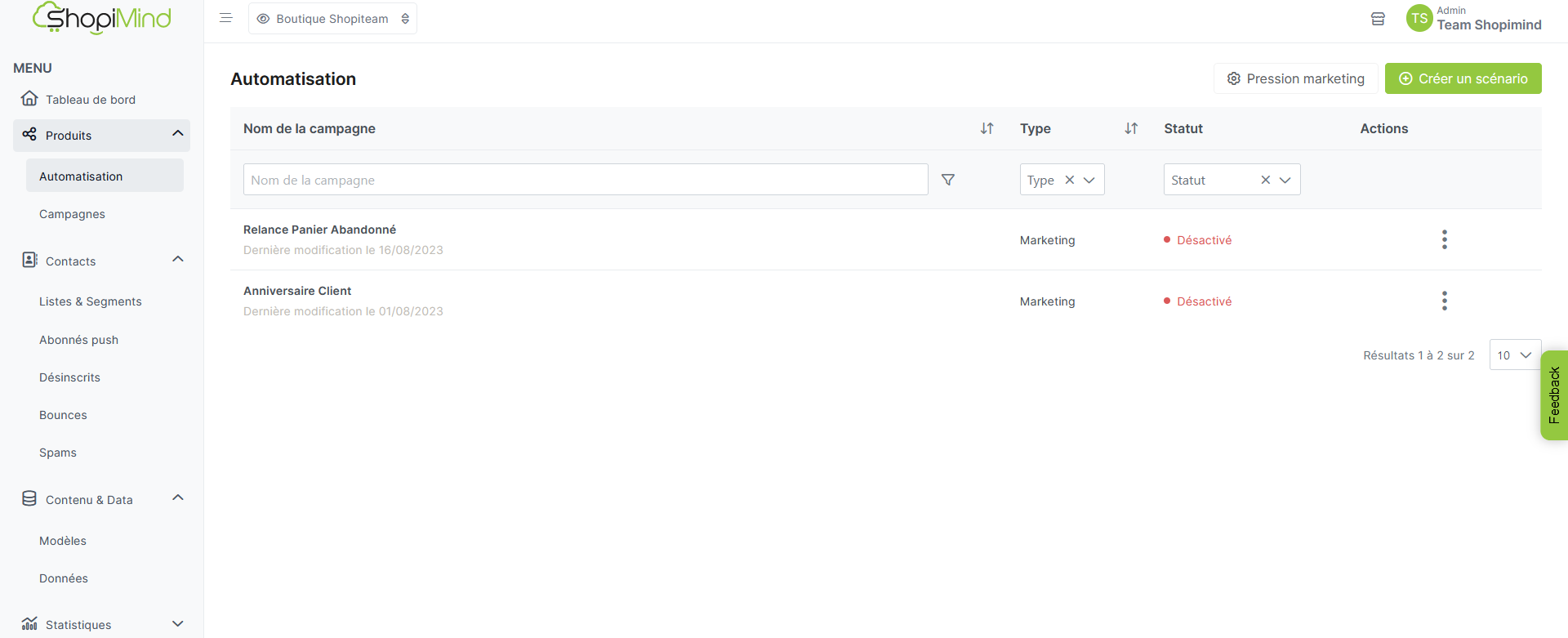
Then click on the green "Create a scenario" button.
A new window will open, displaying all of ShopiMind's pre-defined scenarios.
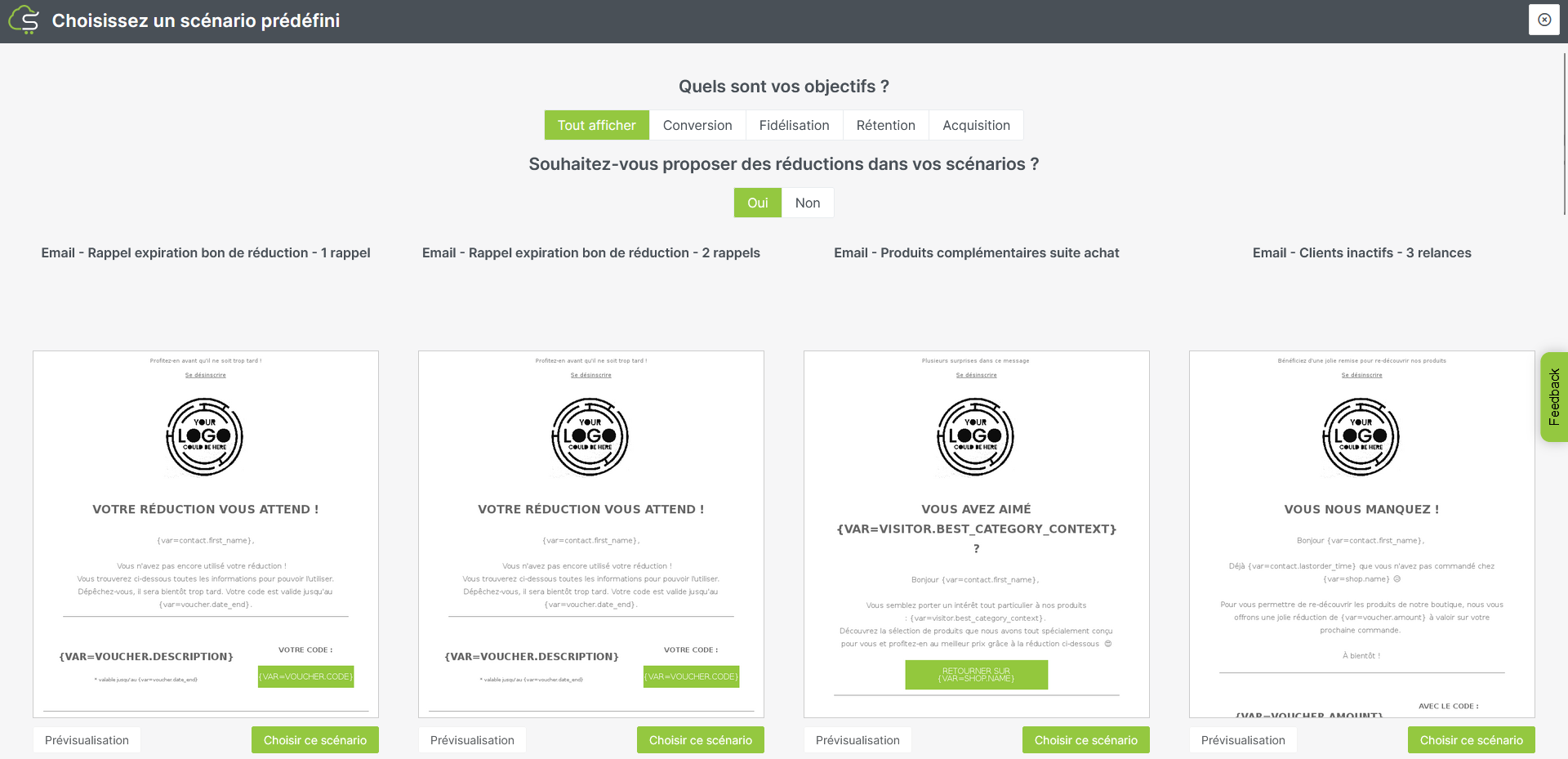
You have the option to filter them by objective:
Acquisition
Retention
Conversion
Loyalty
It's your turn to play!